AI mastering, releases and live shows.
AI mastering you hear in full before you pay.
The AI learned from mix-and-master pairs by an award-winning mastering engineer with film and television credits.
Indie SampleReal personal mastering work, each file at its delivered level
- Mix
- −15.1 LUFS
- Master
- −10.0 LUFS
This audio example isn’t available right now.
Master a track free
Drag a track here
Browse filesWAV, AIFF, FLAC or MP3 · up to 1 GB · up to 12 minutes. An Unlimited plan or a track credit supports up to 30 minutes (15 at 96 kHz).
- No card
- Full-length preview
- Pay only to download
02Listen
Hear the actual loudness change.
Real personal mastering work: the mix and the master, each at its delivered level. The master is the same file offered for download, and pairs like these are what the engine’s AI learned from. For your own track, upload a mix above for a full-level preview from the AI mastering engine.
Choose a sample
Personal mastering sample
Press play, then switch between the mix and the master. Playback keeps its place.
0:00 / 0:00
| Mix | Master | |
|---|---|---|
| Loudness | — LUFS | — LUFS |
| True peak | — dBTP | — dBTP |
| Range | — LU | — LU |
This audio example isn’t available right now. Master your own track
Drawing: each file’s peak level over time, the mix above the line and the master below, on one scale at its delivered level, never normalised. Readings: published values. Loudness range measured with ffmpeg ebur128 (EBU Tech 3342); rights and source records are retained privately.
From your mix to a master you can hear.
Most tracks finish in 0.5–3.5 minutes
01 · Upload
Drag in a mix
WAV, AIFF, FLAC or MP3
02 · Direct
Pick how loud it should land
Dynamic, Balanced, Full or Extra loud
03 · Compare
Hear the full-level master against your mix
Every measurement shown
04 · Decide
Download only if you want it
24-bit WAV, 16-bit WAV and MP3
03Pick the number
Choose how loud it feels.
- −14 LUFS Dynamic
- −11 LUFS Balanced
- −9 LUFS Full · default
- −8 LUFS Extra loud
Every choice is held at a −1.0 dBTP ceiling by default. That leaves room for streaming encoders, and the MP3 is checked after encoding so it does not clip. For a WAV nobody re-encodes, you can choose −0.1 dBTP instead. Louder targets use more limiting; listen for the balance you prefer.
Hear the full track at its actual level. See loudness and true peak measured on the finished 24-bit WAV. If it lands below your target, the result says so.
Change loudness from your Library. While your original mix is retained, start another version without uploading it again. Its download uses a credit or is covered by an active Unlimited Masters or Unlimited Pro plan.
04Pricing
What it costs.
Unlimited Masters is every master download. Unlimited Pro adds the tools around your music. Use cover generation, release planning, stage plots, setlists and band finance with an active Unlimited Pro subscription. Every paid master download is 24-bit WAV, 16-bit WAV and MP3.
Save up to 45%
Every preview is free and full length · Cancel anytime · Pay only to download
This master, yours to keep.
One payment. No subscription.
- This master as 24-bit WAV, 16-bit WAV and MP3 320
- Download it and keep it
Hear it in full first, free.
Recommended
Every master you make, ready to download.
Billed monthly.Billed $79 once a year.
- Unlimited master downloads: 24-bit WAV, 16-bit WAV and MP3 320
- Every loudness version of a song
- Batch-master a whole EP or album
Cancel anytime.
Every master, plus every artist tool.
Billed monthly.Billed $99 once a year.
- Everything in Unlimited Masters, plus
- Setlists, stage plots and show packs
- Release manager for every release
- Cover images every day, when available
- Band finance for your artists and shows
Cancel anytime.
Free: full-length previews and every measurement, no card needed, no download. Master a track
05How it decides
How the automatic mastering process works.
-
Measure the mix
Loudness, true peak, range, tilt and stereo width, on the file as it arrived.
-
Set the tone from your mix
Your own balance and width, plus one small curve our AI tunes to each mix.
-
Render to the target
The loudness you picked, under a −1.0 dBTP ceiling, or −0.1 if you choose it. If it cannot get there under the ceiling, it stops short and states the shortfall.
-
Measure the file you get
Every file is decoded and measured again before it is offered. The numbers on the page come from that check.
Who built it
An engineer’s sound, tested and built to run on its own.
Illustration: one master’s tonal shape, over time.
Learned from real masters. The tone curve on every mix, and the AI that tunes it, come from what the engineer changed on his own masters.
Compared with human masters. The engineer ranked the chain blind against his own masters on seven songs before it became the default.
06Start with the next job
The sound. The release. The show.
Free audio checks and focused artist tools. Use the parts that fit the way you work.
Unlimited Pro Every tool here is included in Unlimited Pro, $15/month or $99/year. Compare plans
Sound
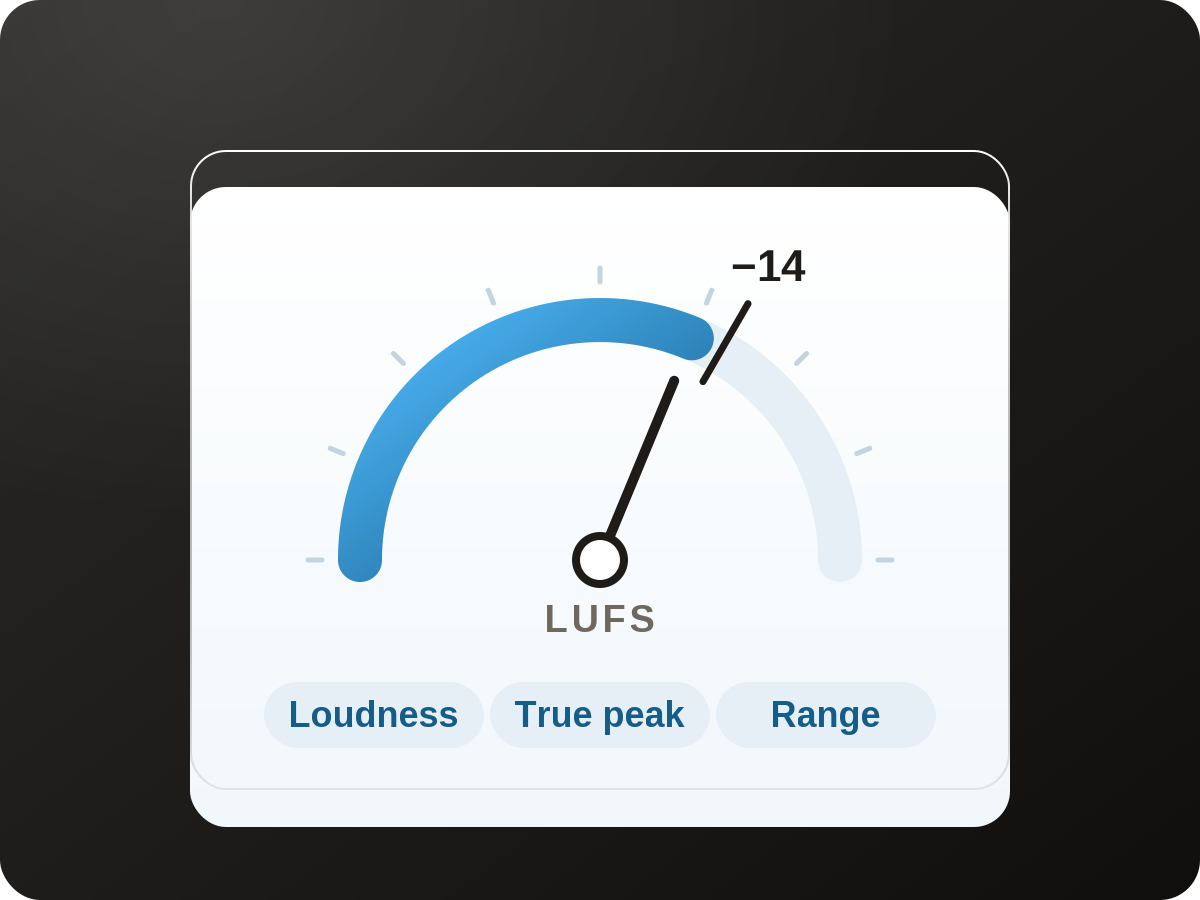
Measure before you master.
Measure loudness and compare versions at matched level. Audio stays in your browser.
Free audio tools
Releases
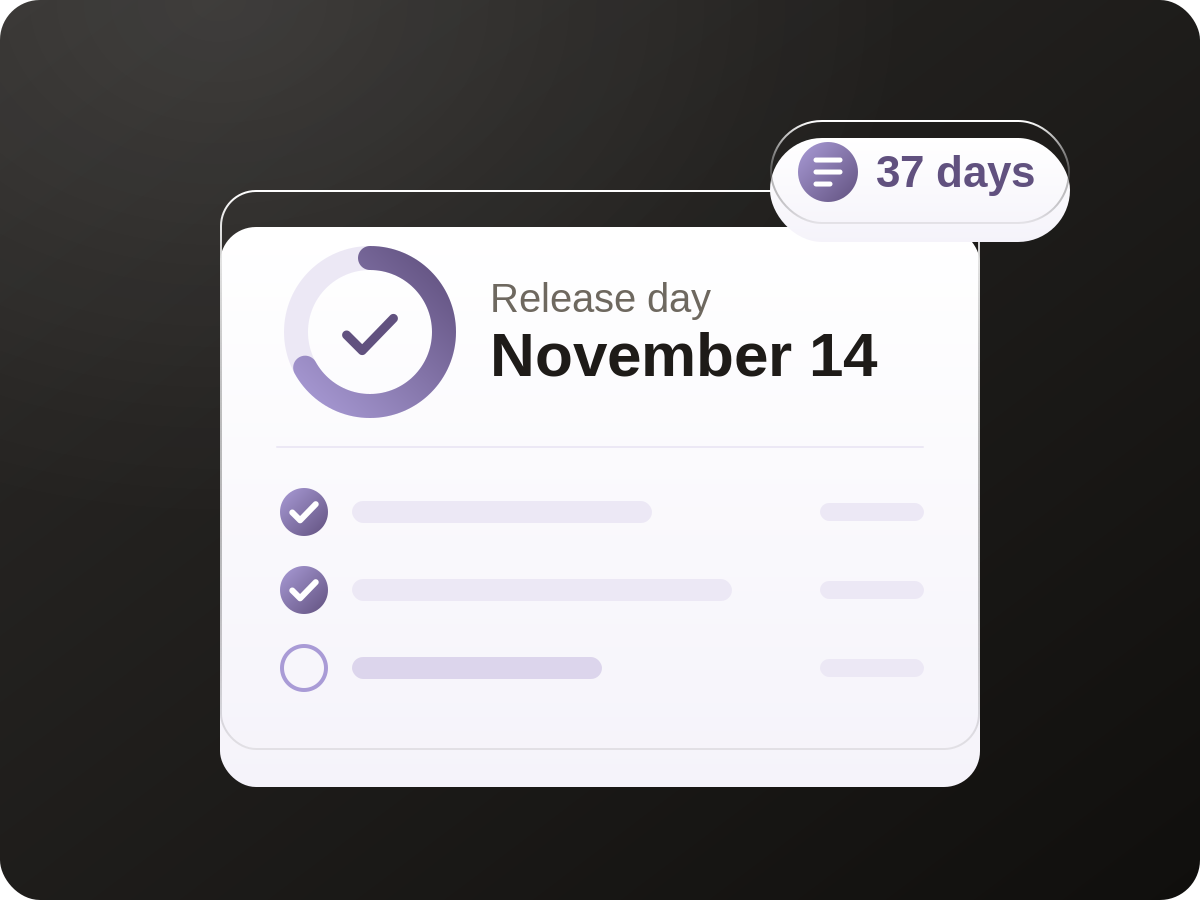
Keep the release moving.
Plan new releases, manage the ones already out, and keep catalog details, credits, split sheets and promotion tasks together.
First release free to plan
Artwork
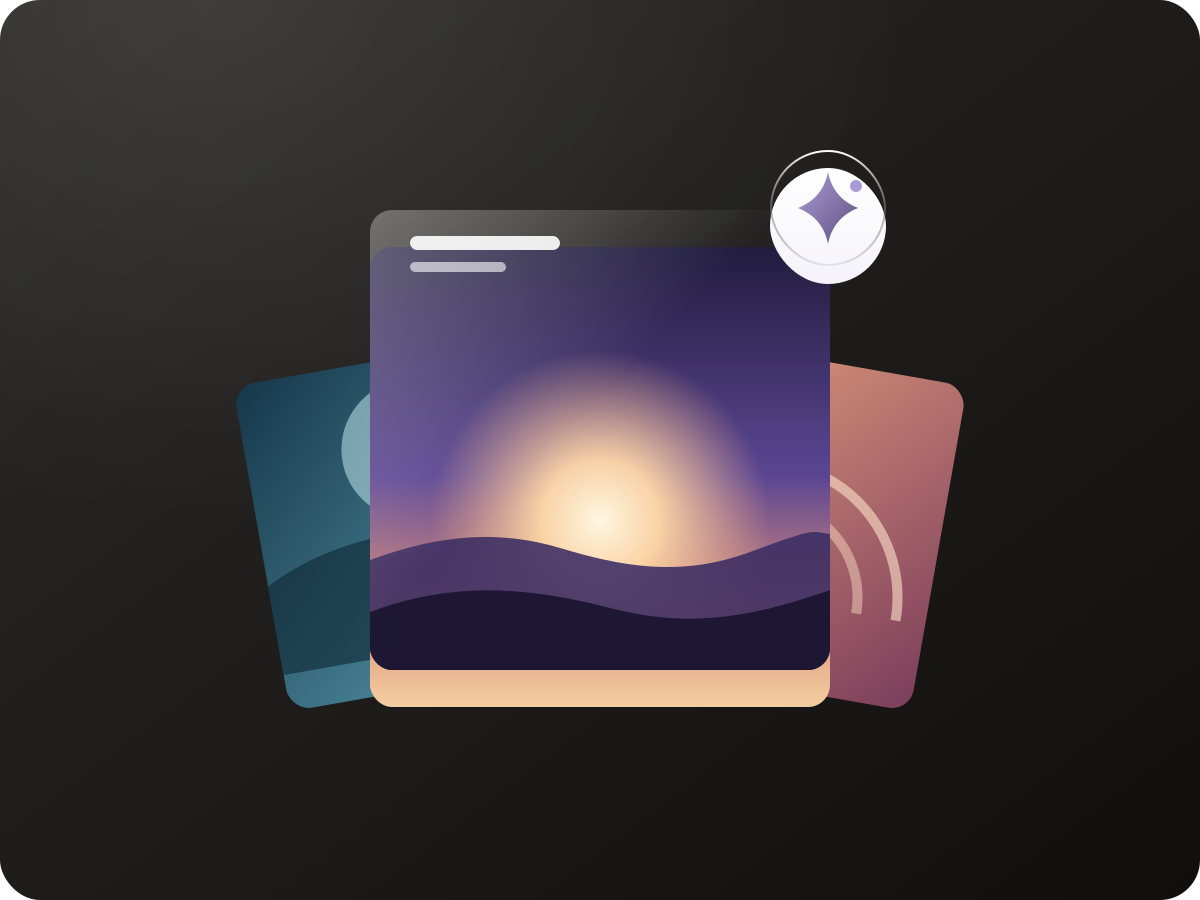
Find the look of the record.
Explore artwork, then set your artist name and title. Keep the cover with your song.
Unlimited Pro allowance · Image credits
Live shows
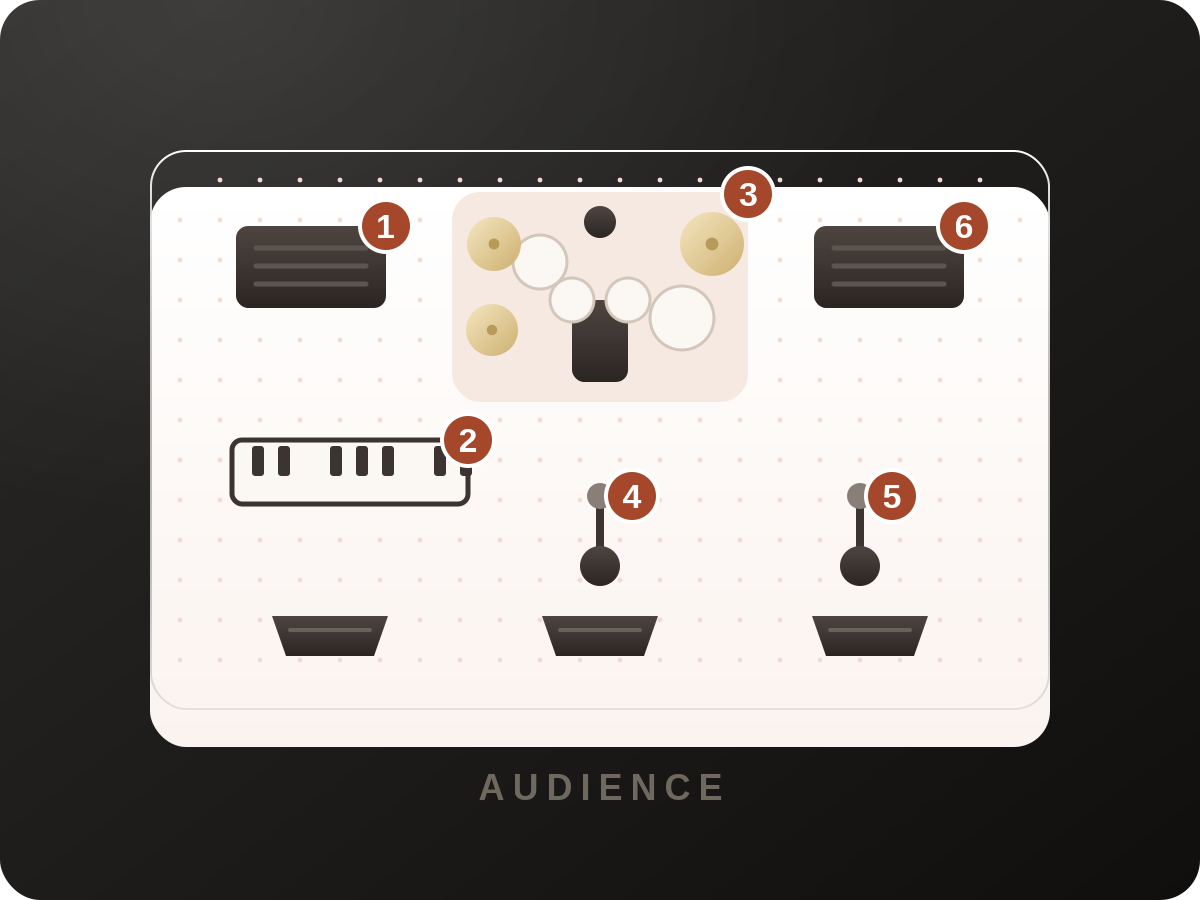
Have the show ready.
Build the setlist and stage plot. Share the details your band and the venue need.
Free starter · Live Show Plus · Included with Unlimited Pro
Band records
Know where the money goes.
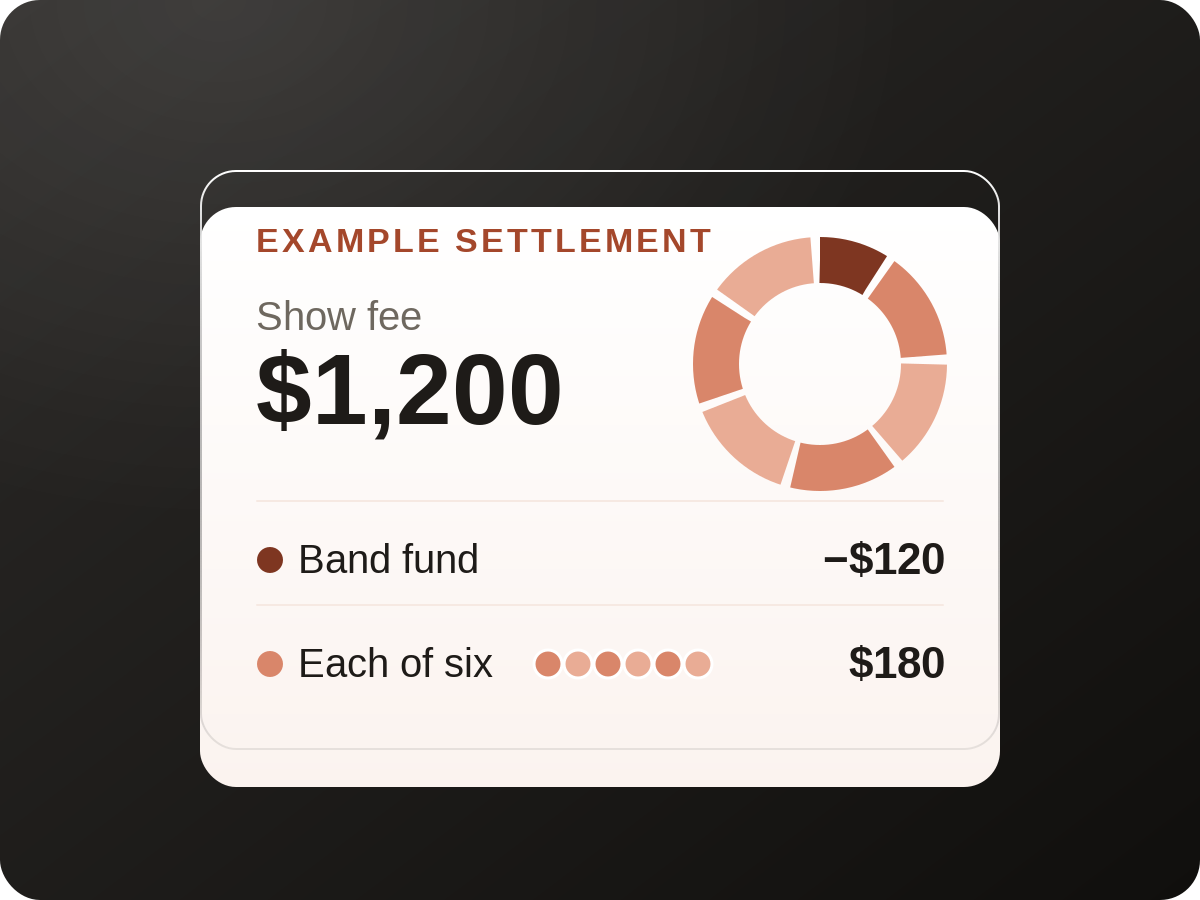
Track show income, expenses, payouts and the band fund.
Free starter · Band finance plan · Included with Unlimited Pro
Audience and connections
See each source clearly.
Calendars, catalog import and file exports, with availability listed for each service.
Analytics: Not available yet
Questions
Common questions.
Do I need an account?
Not to hear it. Drop a mix, pick a target, and the finished preview plays in full with both sets of numbers. Buying that one master needs no account either; a plan asks for a free account.
What does the preview cost?
Nothing. It is the full master at its mastered loudness against your original mix. Payment is for the download, per track or with a monthly or yearly plan.
Does the preview play at the master’s full loudness?
Yes. The master and your original each play at their own level, so you hear the actual loudness change. The readings for each side are shown beside it.
What if the target cannot be reached?
It delivers what it reached without breaching the ceiling, and states the shortfall.
What formats?
WAV, AIFF, FLAC or MP3 in, mono or stereo, 44.1 to 96 kHz, up to 1 GB. Tracks can be up to 12 minutes. An Unlimited plan or a track credit supports up to 30 minutes at 48 kHz or below (15 minutes at 96 kHz). 24-bit WAV, 16-bit WAV and MP3 320 out, on every paid level.
Can I change my mind?
Yes. From your Library, choose Change loudness to start another version from your saved original, while that mix is retained. No need to upload it again. The preview is free, up to 20 masters a day on the free tier. Another version’s download uses a credit or is covered by an active Unlimited Masters or Unlimited Pro plan.
Personal mastering
Work with a real engineer.
Want to discuss your music and work directly with a mastering engineer? Personal mastering is a service without automation, arranged around your project.
Explore personal masteringHear it on a track you know.
Master a track free
Drag a track here
Browse filesWAV, AIFF, FLAC or MP3 · up to 1 GB · up to 12 minutes. An Unlimited plan or a track credit supports up to 30 minutes (15 at 96 kHz).
Choose your loudness, from Dynamic to Extra loud · default −9 LUFS / −1.0 dBTP · free preview, pay for the download