All guidesMastering choices
AI mixing and mastering: which one your song needs
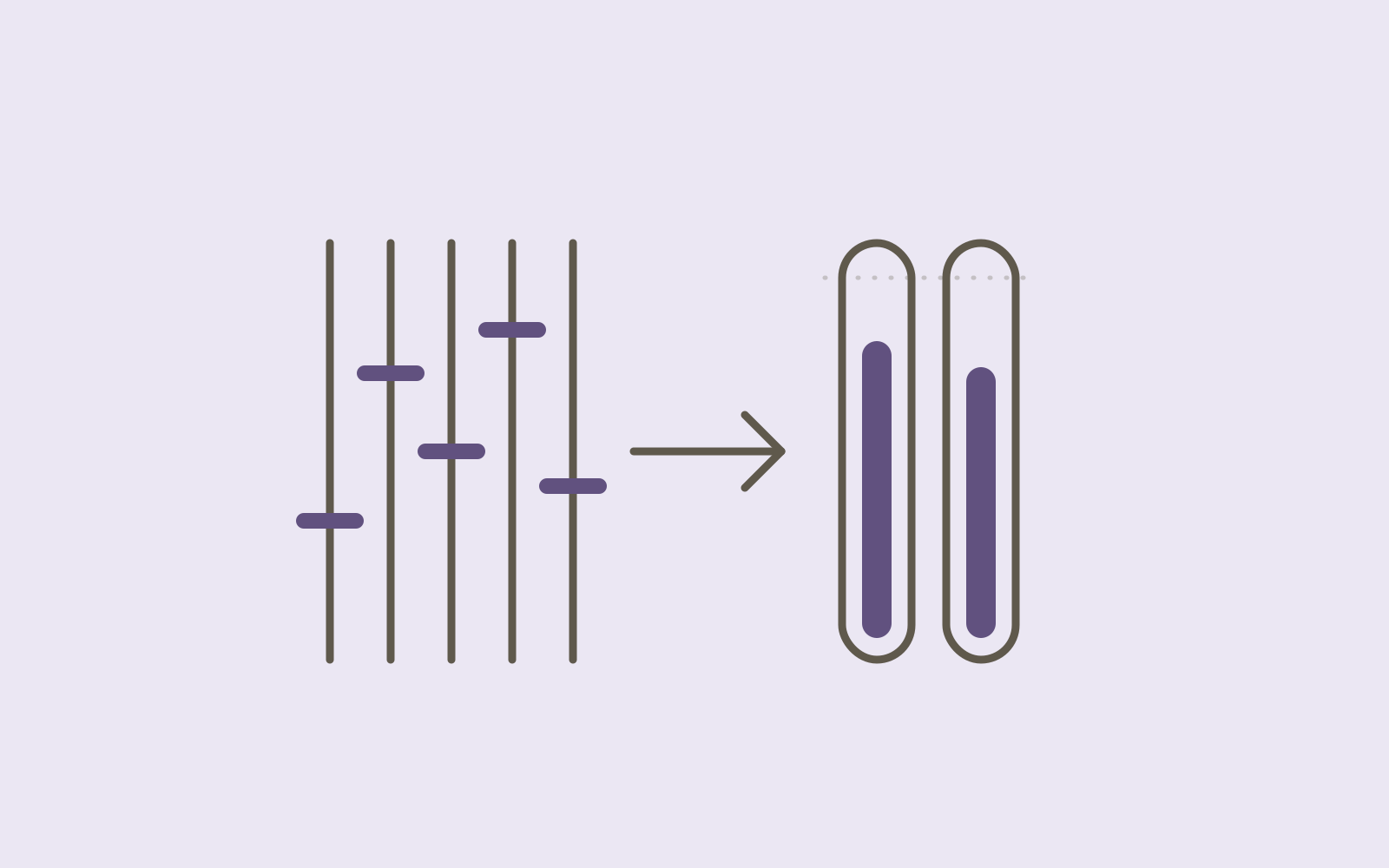
AI mixing and mastering are different jobs: mixing balances a song’s parts, so an AI mixing service needs the separate tracks, called stems, or splits one file first. Mastering works on the whole finished file, so a vocal that’s too quiet is easier to fix in the mix. If one part sounds wrong, the song needs mixing; if the balance is right, mastering. Bounce Sessions, which makes this guide, does only the second: AI mastering with a free full-length preview.
On this page
Not sure the mix is ready for mastering? Our free mix check flags clipping, mono phase problems and low-end issues in your browser, and your audio isn’t uploaded.
Check your mix, freeAre AI mixing and AI mastering the same thing?
No. AI mixing and AI mastering are different jobs, and not every service named here does both. The Recording Academy’s Producers & Engineers Wing defines a mix engineer as the person “taking previously recorded tracks and creating a mix-down that can then be mastered and distributed”, and a mastering engineer as one who “generally works with a final mix of a project” (its engineer credit definitions). RoEx, which sells software for both, says it in one line on its Automix page: “Mixing combines your separate tracks; mastering works on the finished stereo mix.” Our guide to the difference between mixing and mastering covers what each stage can and can’t change.
We read their pages on 15 November 2026, and they sort like this:
- Services that mix your separate tracks. RoEx Automix and Cryo Mix take stems, which Cryo Mix’s help on exporting them defines as “the separate audio files for each part of your song”. They mix the stems, then master the mix. AI Mixing Mastering’s store takes stems too, and two of its three options put an engineer on the job.
- Services that split one file first. MixMasterAI’s Mix & Master tool takes a finished stereo song, separates it into four parts with software, rebalances those parts and masters the result. Its own page says “Splitting a finished song is never perfect”. AI Mixing Mastering’s separate AI Studio splits one track the same way, and Cryo Mix’s Beat Optimizer does it for an instrumental.
- Services sold as mastering. LANDR’s and Waves’ pages sell AI mastering. Each takes one finished file and returns a master, and neither page describes mixing separate tracks.
So first check whether you have the separate tracks: with only one bounced file, an AI mixer that needs stems has nothing to work on.
Is it a mix problem or a mastering problem?
A complaint that names one instrument is a mix problem, and one that describes the record as a whole may be a mastering problem: that’s the test in our guide to getting a mix ready for mastering.
RoEx’s Automix FAQ says it needs the stems “so it can process each one independently”. In the sellers’ own examples, a request about one part sounds like this:
- One part is too loud or buried. MixMasterAI’s mixing and mastering page says to mix “when the vocal is buried, the bass is too loud or too weak, or the drums lack punch.”
- One part sounds wrong on its own. The requests Cryo Mix’s pricing page gives as examples include “make the vocals brighter” and “less reverb on the hook”.
- Parts cover each other. Cryo Mix’s Beat Optimizer page gives “the 808 is drowning out the kick”.
Mastering is for a song whose balance already works. RoEx says its mastering stage “adjusts overall tone, loudness and stereo imaging”. MixMasterAI calls mastering “the final polish on the finished song: loudness, tone and a safe peak level”, and says to use mastering alone “when the balance already sounds right and the song just needs to be louder, clearer and ready for Spotify.” If the song needs both, MixMasterAI’s AI mixing page gives the order: “Mix first. Mastering works on the whole song, so a vocal that is too quiet or a bass that is too loud is easier to fix in the mix.”
A measurement can catch other problems worth fixing in the mix before you pay anyone. Our free mix check reads a file for clipping, mono phase problems, low-end issues, DC offset and silence, on the page, without uploading it. It doesn’t judge tone or balance, so whether the vocal is buried is still a question for your ears.
If the balance already sounds right, hear the whole song mastered against your mix. The preview is free, and you pay only if you want the file.
Master a track, freeWhat AI mixing services ask for and give back
Each AI music mixer in this table asks for your separate stems or one finished song and gives back the mixed song. They call what they sell AI mixing, and each row comes from that company’s own pages, read 15 November 2026, signed out, with prices as shown to a browser set to US English. Bounce Sessions doesn’t mix, so it isn’t in this table.
Scrolls sideways
| Service | What you upload | What it says it does | Price shown | What you get back |
|---|---|---|---|---|
| RoEx Automix | Separate stems as WAV files: up to 16 on the free plan, 32 on Pro. Its help lists stereo files at 44.1 or 48 kHz, up to 8 minutes each. | “Upload your multitrack stems, and Automix handles the technical work of level balancing, panning, EQ, compression and reverb”. You pick an instrument category for each track and a musical style. | Free to upload, mix and preview, with one free mix download when you sign up. After that $7.99 per download, or Pro at $24.99 billed monthly or $149.99 billed yearly. | The finished mix, which its FAQ says you can go on to master in Automix. Its home page lists mastering as “included in Pro”, while its help centre has free accounts spending a credit to download a mix or master. Pro adds the processed stems and exports for Ableton Live and DAWproject. |
| Cryo Mix | “a full stereo mix or up to 32 separate stems”. Stems are mixed and one finished song is mastered; its separate Beat Optimizer splits one instrumental into stems and remixes it. Its plans cap a file’s length at 7, 10 or 15 min. | “The engine balances levels, shapes EQ and dynamics, and applies a mastering chain.” You can change the result by typing to Nova, its “built-in AI assistant”, or with presets and settings. | Previews are free and carry a spoken watermark. A download needs a plan: Essential at US$19, Creator at US$24 or Pro at US$39 per month, with 5, 10 or 30 credits. A project costs one credit, taken when you download. Yearly billing is shown for Pro only, at US$199, and its prices include tax. | A mix or master as WAV, MP3, FLAC or AIFF: 16-bit 44.1 kHz on Essential, up to 24-bit 48 kHz on Creator, up to 32-bit float 48 kHz on Pro. |
| MixMasterAI | Its Mix & Master tool takes one finished song, with no stems needed: “WAV, MP3, FLAC, M4A and more, up to 100 MB.” | “It splits your song into four parts (vocals, drums, bass and the rest of the music), mixes those parts like an engineer would, then masters the result.” You pick one of its named sounds, such as Clean Pop or Deep Hip-Hop. | “Mixing, mastering and the before and after are free to try. Downloading the WAV needs a membership.” Its pricing page showed the membership at €4.99 per month. | The mixed and mastered song. Members download a 24-bit WAV. |
| AI Mixing Mastering (aimixingmastering.com) | Stems, sent after you pay: “Upload stems after you select your package”. A separate AI Studio, free to try, takes one MP3 or WAV up to 50 MB and splits it into four stems. | Its home page describes “a sophisticated AI system designed to analyze your music and automatically set up the ideal mixing chain”, and says engineers then “review and refine each mix”. | One product with three options: Self-Serve (AI-Only) at $29.99, Hybrid Mix (AI + Engineer) at $59.99 and VIP 24-hr Rush (Engineer-Only) at $119.99. Revisions are sold separately, from $19.99. Its FAQ gives a code for 25% off a first order. | A mixed and mastered track. Its FAQ says “Our system takes a maximum of 24hrs to complete.” |
The first two mix separate stems. Cryo Mix’s help calls this its golden rule of exporting: “Every file must start at 0:00”, so the tracks line up when they’re loaded.
Splitting a bounced file is the route when you have no stems, which MixMasterAI’s AI mixing page says is the usual case with generated music: “Most AI music generators give you one finished stereo file.” MixMasterAI states the limits of splitting itself. The same page says “Separation is never perfect. Expect some bleed between stems, most often reverb and cymbals in the vocal stem”, and that everything that isn’t vocals, drums or bass lands in one stem, “so guitars, keys and pads cannot be balanced separately.” AI Mixing Mastering’s home page gives no limits and says the parts are “separated cleanly by AI in seconds”.
What AI mastering services ask for
The AI mastering services read for this page on 15 November 2026 (LANDR, Waves, and RoEx’s and Cryo Mix’s mastering tools) each take one finished file per song. RoEx masters “a single stereo bounce (WAV or MP3)”, and Cryo Mix’s help on upload limits says of its mastering tool, “This tool is designed for stereo mixdowns. You can upload 1 file per mastering project.” Our comparison of online mastering services sets LANDR, eMastered, BandLab, Mixea and others side by side, each from its own pages. Our LANDR review and our guide to Waves Online Mastering go through those two, and automated mastering against a human engineer covers when software is enough.
What Bounce Sessions does, and what it doesn’t
Bounce Sessions masters and doesn’t mix: it is AI mastering built on one engineer’s approach, and takes one stereo or mono mix per master, with no stems or surround, so it can’t turn one part up or down on its own. The tone curve and the targets come from an award-winning mastering engineer with film and television credits, and a small AI model trained on that engineer’s own before-and-after masters tunes the tone to each mix. Loudness, the true-peak ceiling and the checks on the files are measured, not AI; our page on how the AI mastering works sets out each stage. It’s automatic: software processes your song and no engineer listens. You choose the loudness and the true-peak ceiling before it masters, and from your account you can master the same mix again at a different loudness or ceiling while we still hold the original mix. The preview plays the whole song against your original before you pay and needs no account, and a free account gets up to 20 masters a day. A paid download is three files, a 24-bit WAV at your source rate, a 16-bit 44.1 kHz WAV and an MP3 at 320 kbps, with Unlimited Masters at $10 a month or $79 a year, or for $4.99 a track. The free tier has no download. Per track pays for one master, and an unlimited plan includes every loudness version of a song. Prices exclude tax, which is added at checkout, and paid plans and downloads aren’t on sale in every country yet.
How to judge an AI mix and master
Judge an AI mix or master by ear, against your own file at matched volume. We haven’t mixed or mastered a song on any service named here, so this page doesn’t say how any of them sounds. Most of them let you hear something before you pay, so you can test one yourself:
- Use the free previews. By their own pages, RoEx gives you one free mix download when you sign up, Cryo Mix a full-length preview with its watermark on it, and MixMasterAI a before and after.
- Listen at matched volume. MixMasterAI’s own tip is to “Judge the result with the before and after at a similar volume, on earbuds and a phone speaker.”
- If you have a file from the service, open Compare masters, our free tool, with it and your own mix. It decodes both files on the page, without uploading them, and with Match loudness on it plays them at the same level, so volume doesn’t decide for you.
When the mix is right, hear our master of it at full length, against the original. It’s free to hear, with no account.
Master a track, freeWhether RoEx Automix mixes MP3 stems: its FAQ says it “accepts WAV and MP3 files for mixing”, and its help centre’s table of limits lists WAV only. What MixMasterAI charges in dollars: its page showed €4.99 to a browser set to US English, and its terms allow a different price at checkout. Whether MixMasterAI gives any free download: its pricing card lists “One free MP3 download a day”, while its FAQ and terms say a download needs an active membership. Which AI Mixing Mastering option takes which stems: its FAQ names packages called Standard, Advanced, Pro and Platinum, and its store sells three options with other names. Whether an engineer hears an AI-only order there: its home page says a human engineer adjusts every mix, and the store sells “Self-Serve (AI-Only)”. We read LANDR’s and Waves’ mastering pages only, and what an account sees can differ.
Sources quoted on this page
Every outside document this guide links to, in the order it first appears. Read 15 November 2026; platforms and plants change these.
- its engineer credit definitionsmedia.grammy.net
- its Automix pageautomix.roexaudio.com
- help on exporting themcryo-mix.com
- Beat Optimizercryo-mix.com
- LANDR’slandr.com
- Waves’waves.com
- Automix FAQautomix.roexaudio.com
- mixing and mastering pagemixmasterai.co
- pricing pagecryo-mix.com
- AI mixing pagemixmasterai.co
- Cryo Mixcryo-mix.com
- AI Mixing Masteringaimixingmastering.com
- home pageaimixingmastering.com
- help on upload limitscryo-mix.com